
Skip to content
Ztract
Document understanding engine

Turn any document into clean, structured data.

Upload a PDF, scan, or image. Get JSON, CSV, or Excel in seconds — no model training, no monthly subscription, no setup.

  • No credit card
  • No subscription
  • Pay-as-you-go

Built for the people who hate retyping documents.

From invoices and contracts to passports and lab reports — across formats, layouts, and languages.

More accurate where it matters.

Our document understanding engine reads tables that span pages, stamps over text, and faded thermal receipts — the parts that break traditional OCR.

Half the per-page cost.

Volume packages from $19.90. No subscription, no per-seat fees. Pages stay valid for 12 months, so you only pay for the work you actually need.

No training. No setup.

Describe your fields in plain English, pick a ready-made template, or drop in a sample document — Ztract figures out the schema in a few seconds.

How it works

From document to data in four steps.

You don't write code. You don't train a model. You define what you want, then upload.

  1. 1

    Create a project

    Group related documents — invoices, contracts, IDs — into one workspace. Each project has its own schema, its own settings, and its own export targets.

  2. 2

    Define your schema

    Tell the engine which fields to extract from each document type — invoice number, line items, dates, parties, whatever your project needs. Three ways to define it: a ready-made template, a plain-English description, or a sample document.

  3. 3

    Upload documents

    Drag in PDFs, Office documents, images, or scans — one file or many in the same session. Documents are parsed as they arrive — no queue surprises.

  4. 4

    Review and export

    Open the side-by-side viewer to verify every field against the source. Fix anything you don't like in one click. Export to JSON, CSV, or Excel.

An HTTP API, webhooks, and platform integrations are on the roadmap.

Schema design

Three ways to define what you want extracted.

You don't need to be a developer to create an extraction schema. Pick whichever feels natural — or mix all three.

01

Start from a template

Pick a ready-made schema for invoices, receipts, contracts, IDs, and more — built from real-world layouts. Rename fields to your team's terminology, save it once, and reuse it across thousands of documents.

02

Describe in plain English

Type what you need: "For each invoice, extract the invoice number, total, vendor, and line items with description, quantity, and price." Ztract drafts a complete schema from your description — review and refine before you upload.

03

Infer from a sample

Drop in one example document. The engine reads it and proposes a schema with the right field names, types, and nesting. Perfect when you don't know exactly which fields exist until you've seen one — common for medical reports, custom contracts, and one-off vendor forms.

Live demo

See a real document get parsed — click anywhere.

Click a field on the right and we'll highlight where it came from on the left. Click a region on the left to jump to its data.

Click any field or any boxed region to link them.
1 / 8
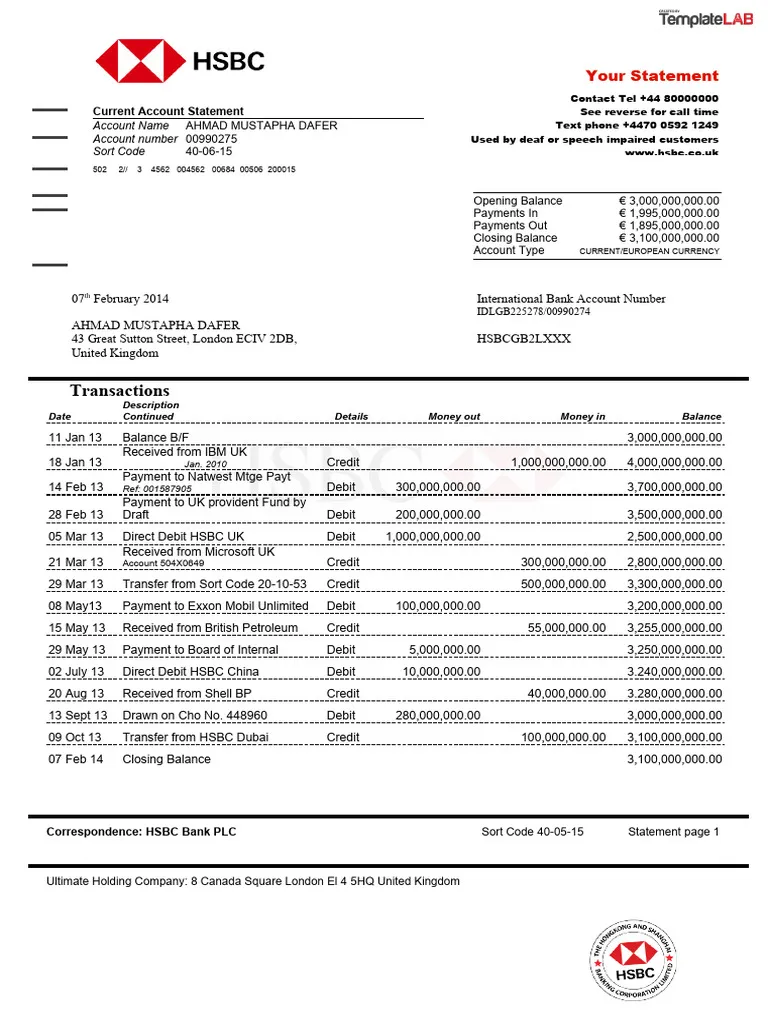
Bank Statement — page 1

Extracted fields

Transactions

Date Debit Credit Balance Description
1 / 7
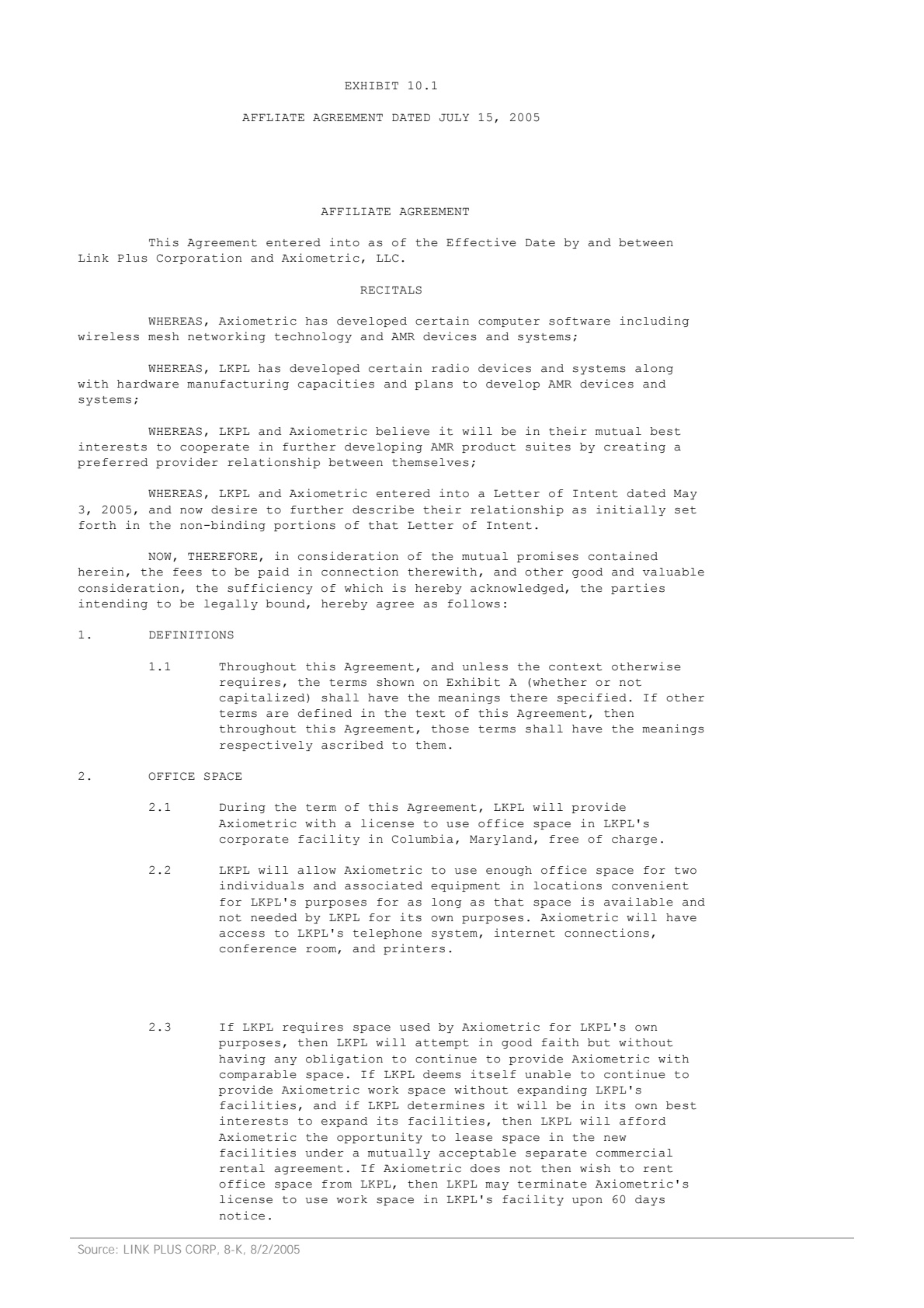
Contract — page 1
2 / 7
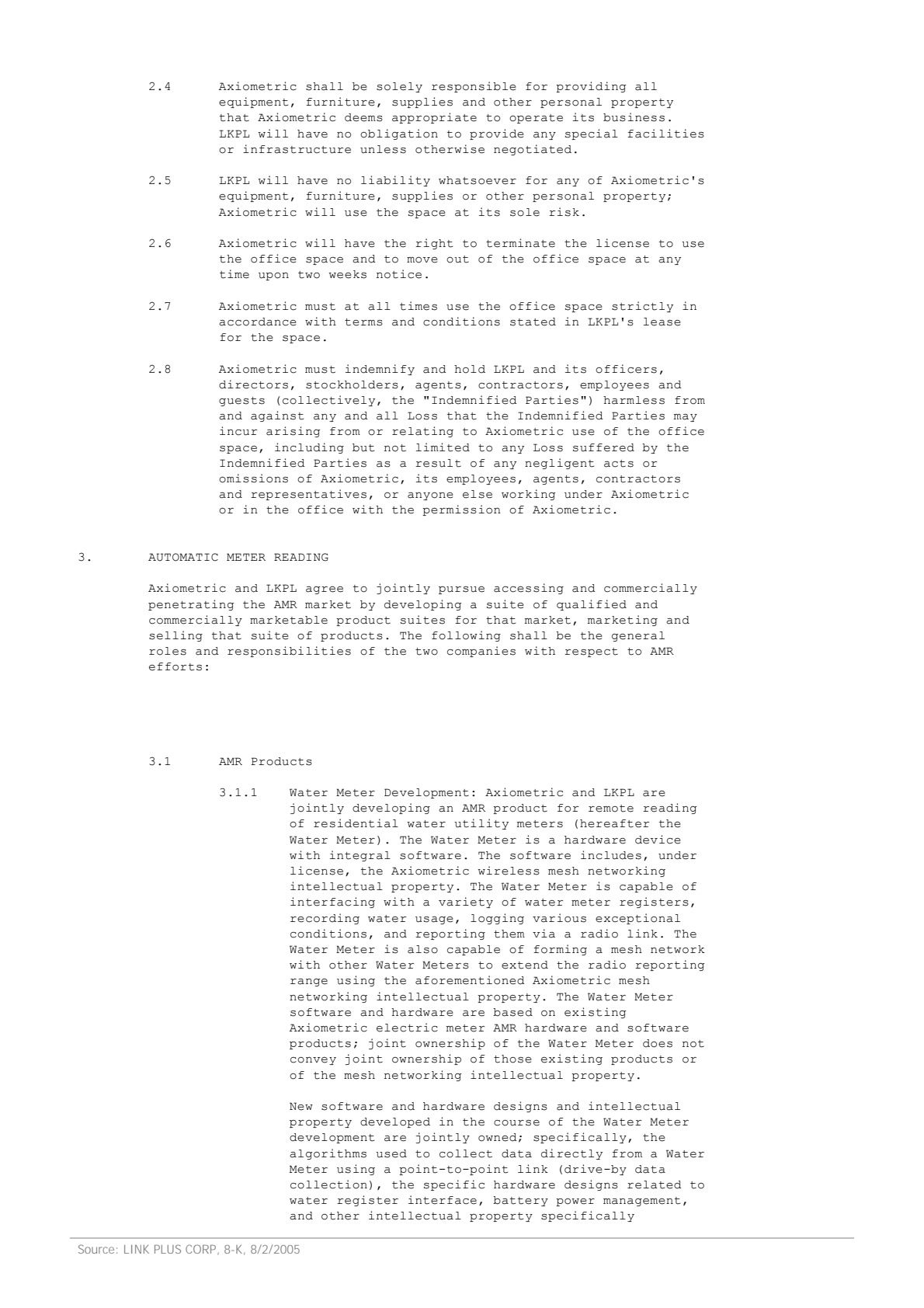
Contract — page 2
3 / 7
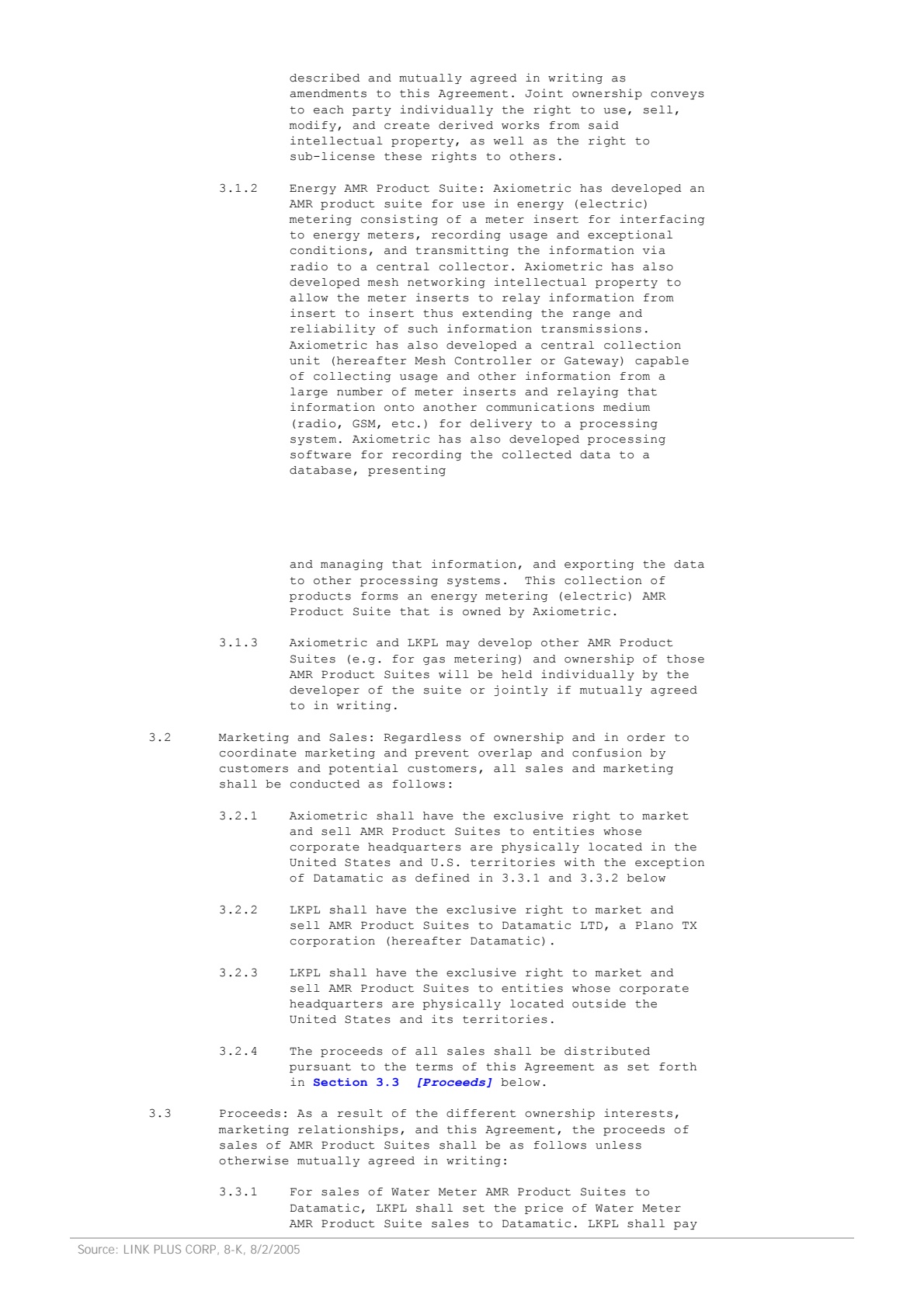
Contract — page 3
4 / 7
Contract — page 4
5 / 7
Contract — page 5
6 / 7
Contract — page 6
7 / 7
Contract — page 7

Extracted fields

Payment terms

Parties involved

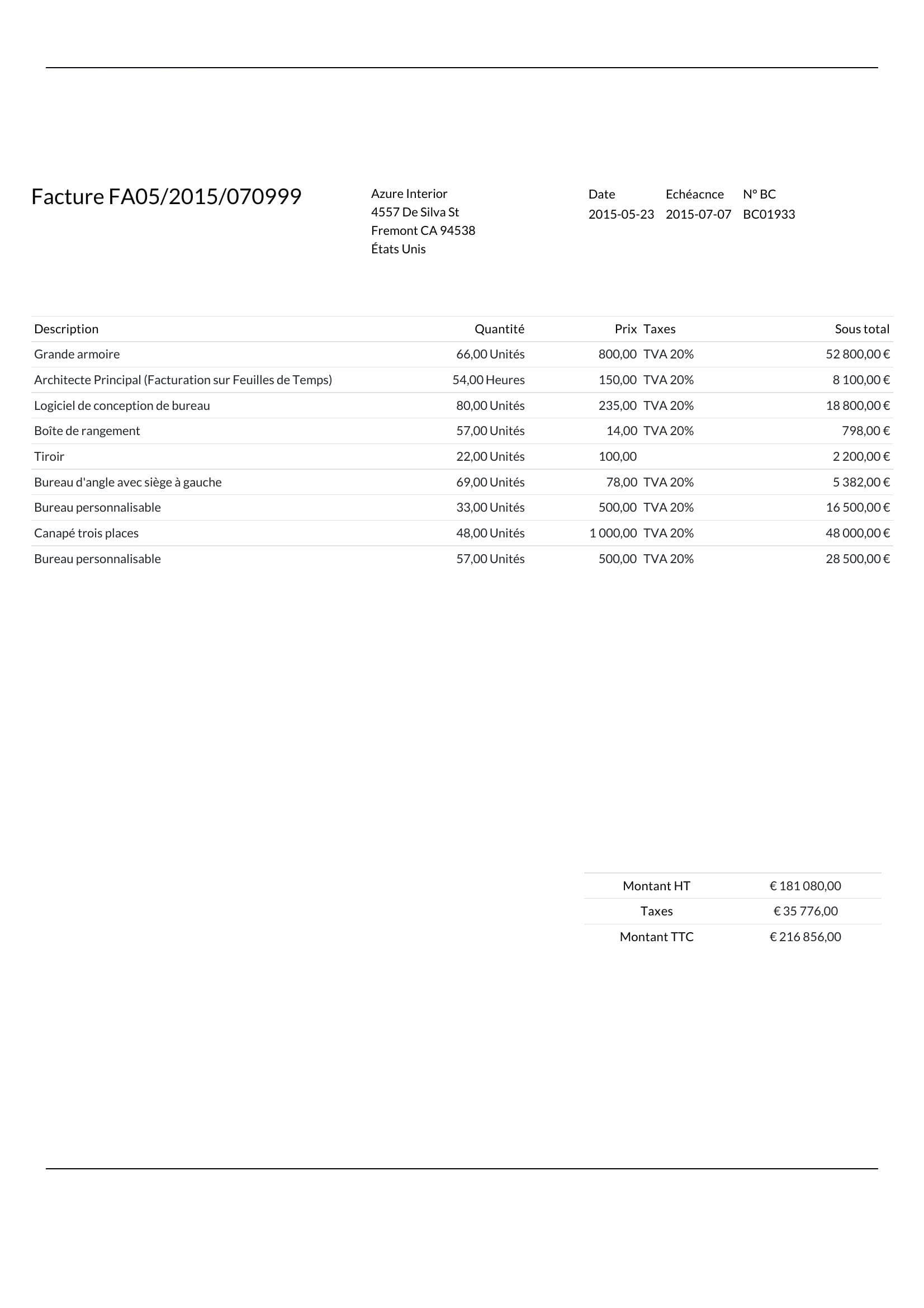
Invoice — page 1

Extracted fields

Line items

Quantity Subtotal Tax rate Unit price Description
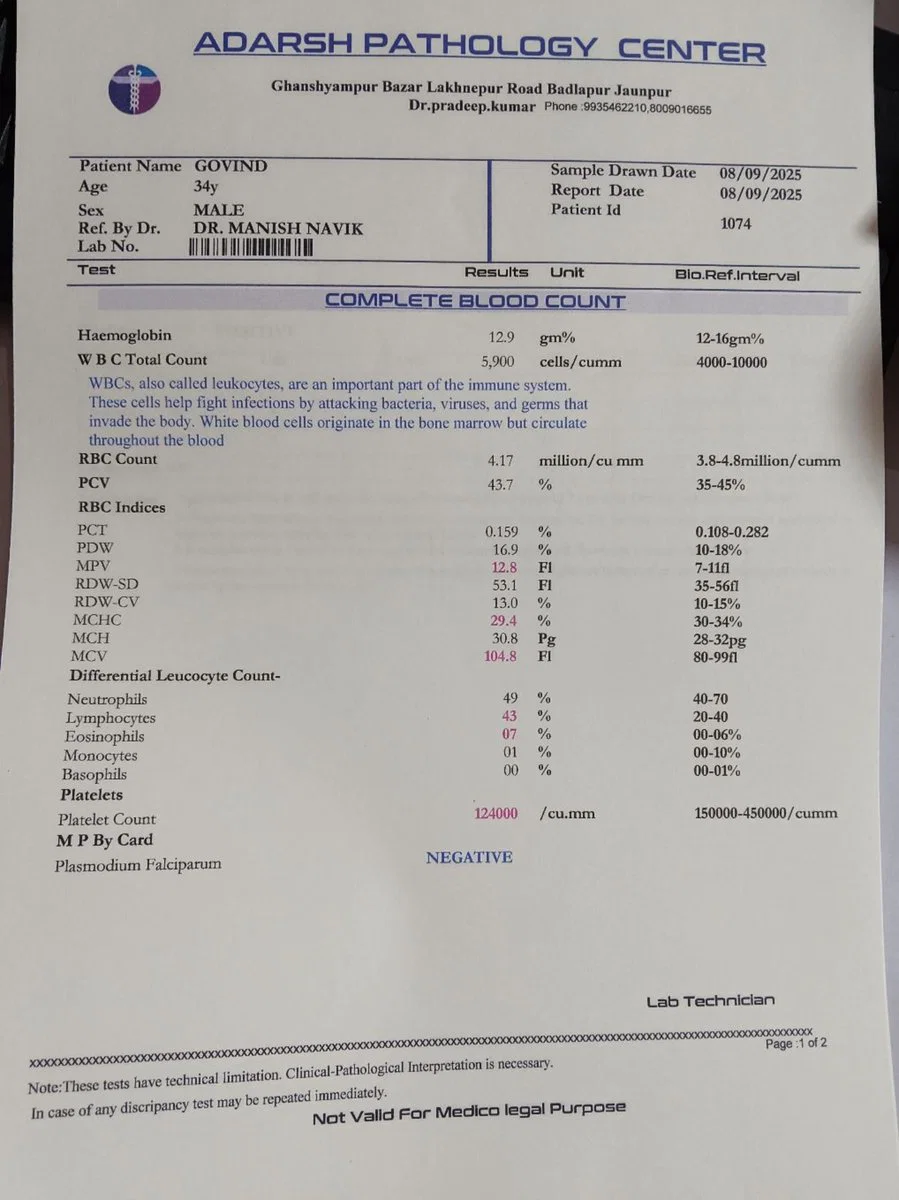
Medical — page 1

Extracted fields

Complete blood count

Differential leucocyte count

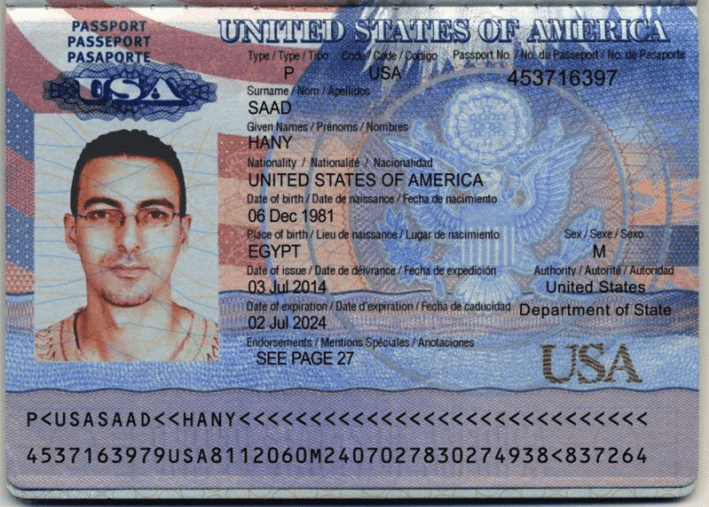
Passport — page 1

Extracted fields

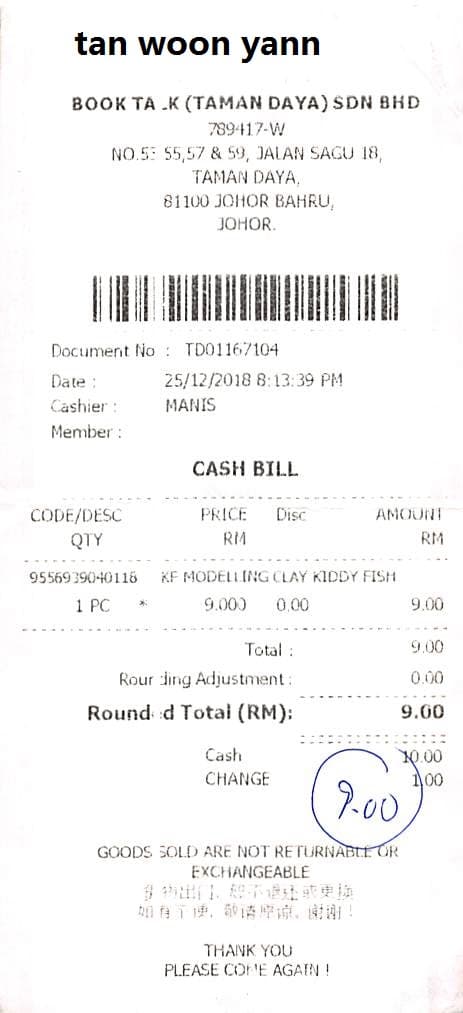
Receipt — page 1

Extracted fields

Items

Code Price Amount Discount Quantity Description
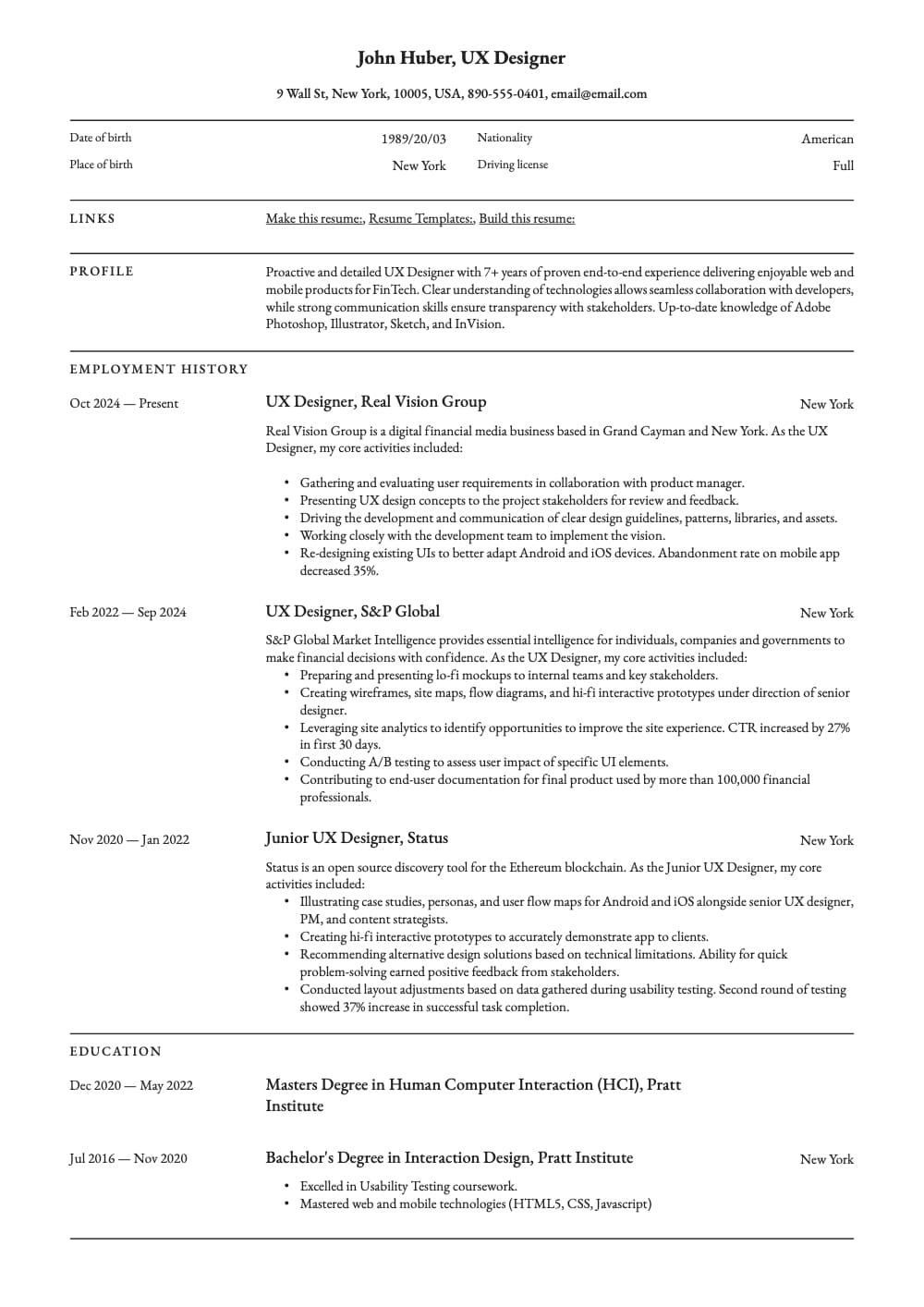
Resume — page 1

Extracted fields

Skills

Education

Major Degree School End date Start date

Work experience

Title Company End date Start date Description
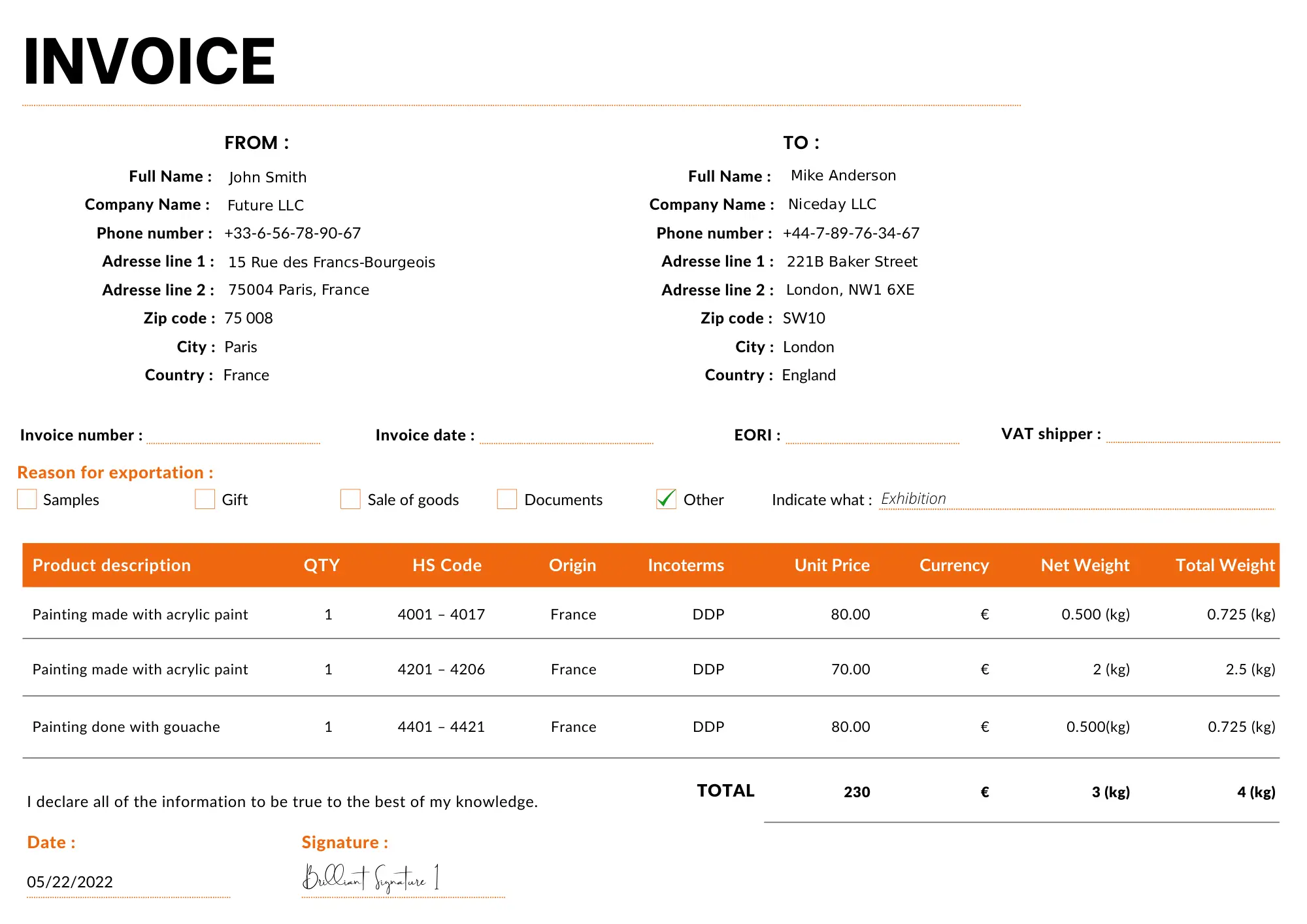
Shipping — page 1

Extracted fields

To

From

Total

Products

Origin Hs code Currency Quantity Incoterms Net weight Unit price Total weight Product description

Sample data. Real engine output.

Verify & correct

Review every field. Fix the wrong ones in one click.

OCR services hand you a pile of text. Ztract hands you structured data with a built-in viewer that tells you exactly where each value came from — and lets you correct anything that's off, without a re-run.

Every value anchored to its source

Click any extracted field and the matching region lights up on the document. Click a region on the document and the field scrolls into view. No more "where did this number come from?" guesswork during audits or internal reviews.

Per-field confidence scores

When the engine isn't 100% sure, it tells you. Low-confidence fields are flagged in the viewer so reviewers know exactly which values to spot-check — instead of re-reading 100 fields hoping to catch the one that might be wrong.

One-click correction, no re-run

Spot a wrong value? Click it, type the right one, save. The correction is instant and flows through to your next export. You don't pay for a re-extraction, and the original bounding box stays attached so the audit trail survives.

Engineered for accuracy

A document understanding engine, not a screenshot reader.

Most parsers either match characters from pixels (and break on anything unusual) or pipe a screenshot to a language model (and hallucinate). We built something else — purpose-built for documents your team actually receives.

Layout-aware reading

Reads what's on the page, not just what's printed in a straight line.

  • Tables that span pages are stitched into one clean array
  • Stamps, watermarks, and signatures don't trip the parser
  • Mixed scripts on one page (Latin + CJK + Cyrillic + Arabic)

Schema-first, not regex-first

You describe the shape you want — we figure out where to find it.

  • Plain-English field descriptions, no coordinate templates
  • New vendor layouts work on day one, without new rules
  • Same schema reuses across thousands of layout variants

Every field anchored to its source

Built for teams that have to defend the numbers they extract.

  • Bounding box coordinates returned for every value
  • Side-by-side review with one-click corrections
  • Per-field confidence — you know exactly what to verify

Three reasons it holds up where others break.

The hard problems aren't on the test set. They're in the email attachments your finance team forwards you on a Tuesday.

01

Generalizes across layouts

A new vendor invoice works the first time, without you adding a template or a rule. The engine learns layout from the document itself.

  • Cross-page table merging
  • Form-field detection without templates
  • Same schema, hundreds of layouts
02

Reasons about content, not just characters

OCR returns characters. We return meaning. Dates, currencies, tax IDs come back normalized — and fields that are implied get extracted, not just the ones that are labeled.

  • Locale-aware normalization (dates, amounts, IDs)
  • Disambiguates total vs subtotal by context
  • Validates with IBAN / BIC / MRZ / ISIN rules
03

Reads everything you can put in

One pipeline for PDFs, Office documents, scans, phone photos, and text-based formats — one schema across all of them.

  • PDF · Word · Excel · PowerPoint · HTML · TXT · CSV · RTF · Images
  • Tables · key-value pairs · paragraphs · printed handwriting
  • Output as JSON, CSV, or Excel

Why we built it

“Every team I know wastes a weekend a quarter on data entry that should take ten minutes. We built Ztract so that weekend goes back to you.”
The Ztract team
Founders

Pricing

Choose a pack.

Pay as you go. Pick a pack that fits your volume — every pack stays valid for a full year.

Starter 100

$19.90 €17.90 £14.90 $27.90 $27.90 ¥99.90 ₩29,999 ¥3,199

100 pages · $0.199 €0.179 £0.149 $0.279 $0.279 ¥0.999 ₩300 ¥32 / page

Valid for 12 months

Buy now

Basic 500

$39.90 €34.90 £29.90 $54.90 $54.90 ¥199.90 ₩59,999 ¥6,999

500 pages · $0.080 €0.070 £0.060 $0.110 $0.110 ¥0.400 ₩120 ¥14 / page

Valid for 12 months

Buy now
Most popular

Growth 1,000

$64.90 €59.90 £49.90 $89.90 $99.90 ¥269.90 ₩99,999 ¥10,999

1,000 pages · $0.065 €0.060 £0.050 $0.090 $0.100 ¥0.270 ₩100 ¥11 / page

Valid for 12 months

Buy now

Plus 2,000

$109.90 €99.90 £89.90 $159.90 $159.90 ¥699.90 ₩169,999 ¥17,999

2,000 pages · $0.055 €0.050 £0.045 $0.080 $0.080 ¥0.350 ₩85 ¥9 / page

Valid for 12 months

Buy now

Pro 5,000

$199.90 €179.90 £149.90 $289.90 $289.90 ¥999.90 ₩309,999 ¥32,999

5,000 pages · $0.040 €0.036 £0.030 $0.058 $0.058 ¥0.200 ₩62 ¥7 / page

Valid for 12 months

Buy now

Business 10,000

$369.90 €329.90 £279.90 $519.90 $519.90 ¥1,999.90 ₩559,999 ¥59,999

10,000 pages · $0.037 €0.033 £0.028 $0.052 $0.052 ¥0.200 ₩56 ¥6 / page

Valid for 12 months

Buy now

Scale 20,000

$699.90 €619.90 £529.90 $999.90 $999.90 ¥3,999.90 ₩1,059,999 ¥119,999

20,000 pages · $0.035 €0.031 £0.026 $0.050 $0.050 ¥0.200 ₩53 ¥6 / page

Valid for 12 months

Buy now

Enterprise 50,000

$1,499.90 €1,299.90 £1,119.90 $2,099.90 $2,099.90 ¥7,999.90 ₩2,259,999 ¥239,999

50,000 pages · $0.030 €0.026 £0.022 $0.042 $0.042 ¥0.160 ₩45 ¥5 / page

Valid for 12 months

Buy now
Secure checkout — payments processed by Stripe

All packages: 12-month validity · JSON / CSV / Excel export · Side-by-side review

See the full feature matrix →

FAQ

Questions teams ask before signing up.

Do I need a subscription?
No. Pages are sold as one-time packages and stay valid for 12 months. You only pay when you need more.
What document formats are supported?
PDF, Word (.docx), Excel (.xlsx), PowerPoint (.pptx), HTML, TXT, CSV, RTF, and images (JPG, PNG, WebP, TIFF, BMP) — up to 500 MB per file. PDFs and Office files are billed per page; image and text files typically count as one page each, though very large files may be split into multiple pages. HEIC, ZIP archives, and email (.eml) are not supported yet.
What languages can Ztract read?
Latin, CJK (Chinese, Japanese, Korean), Cyrillic, Arabic, and most printed scripts — including documents that mix two or three languages on the same page. Handwriting support varies by use case and is best-effort today.
Is my data private?
Documents are processed in isolated workspaces and stored only as long as you need them. You can delete a document — or a whole project — at any time, and we will not use your data to train shared models.
Can I use Ztract through an API?
Not yet. The current release is dashboard-first — you upload, review, and export from your browser. An HTTP API, webhooks, and platform integrations (Zapier and similar) are on the roadmap.
What if a field comes out wrong?
Open the side-by-side viewer, click the field, and fix it. Corrections save instantly and the fixed value flows through to your next export — no re-run of the engine required.

Stop typing data out of documents.

Start with 30 free pages. No credit card. No subscription.