
The parties, the dates, the dollar amounts — extracted.
Agreement title, effective date, governing law, full party addresses, and payment terms — pulled out of multi-page contracts across pages of dense legal prose.
Live demo
See it on a real document.
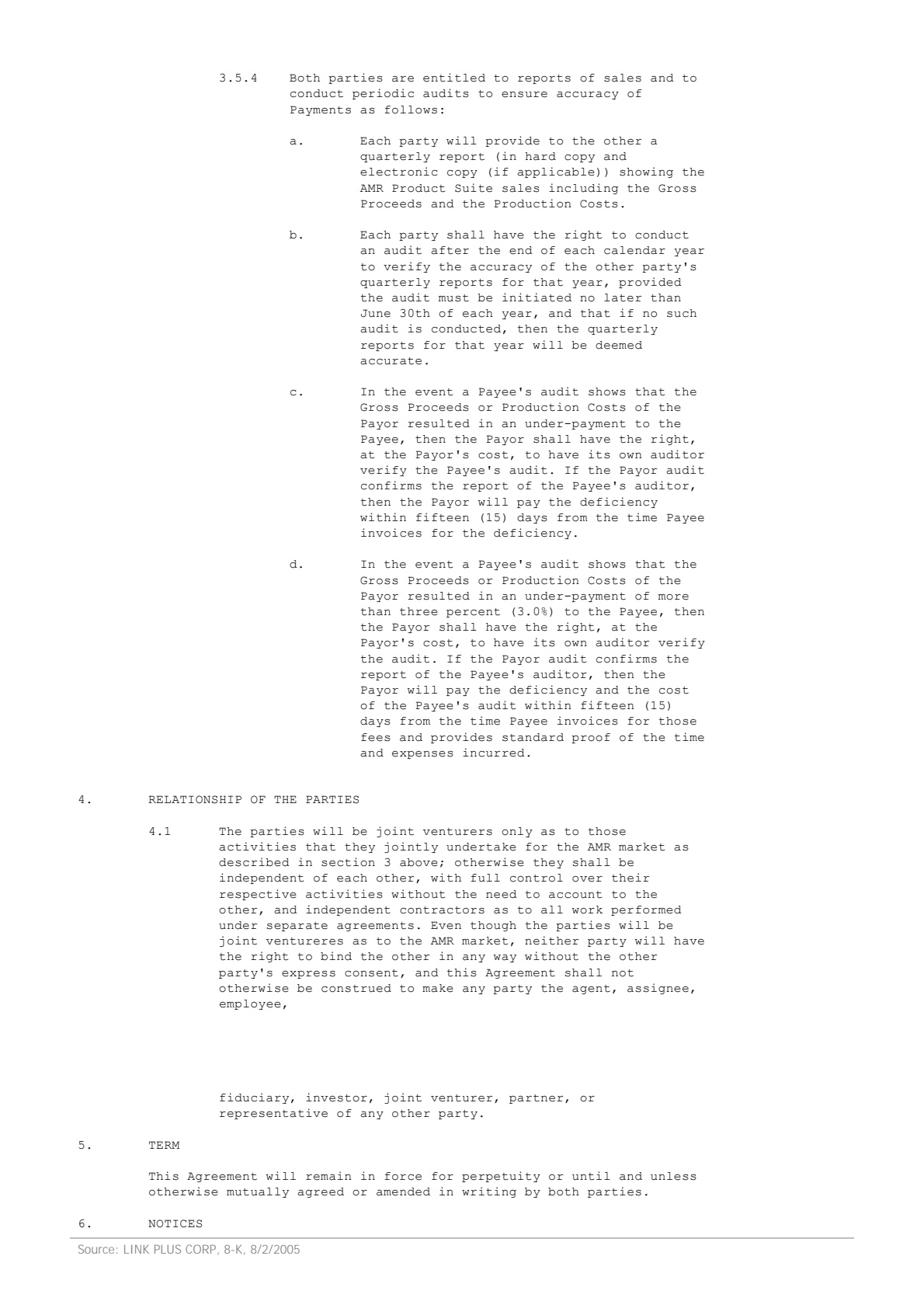
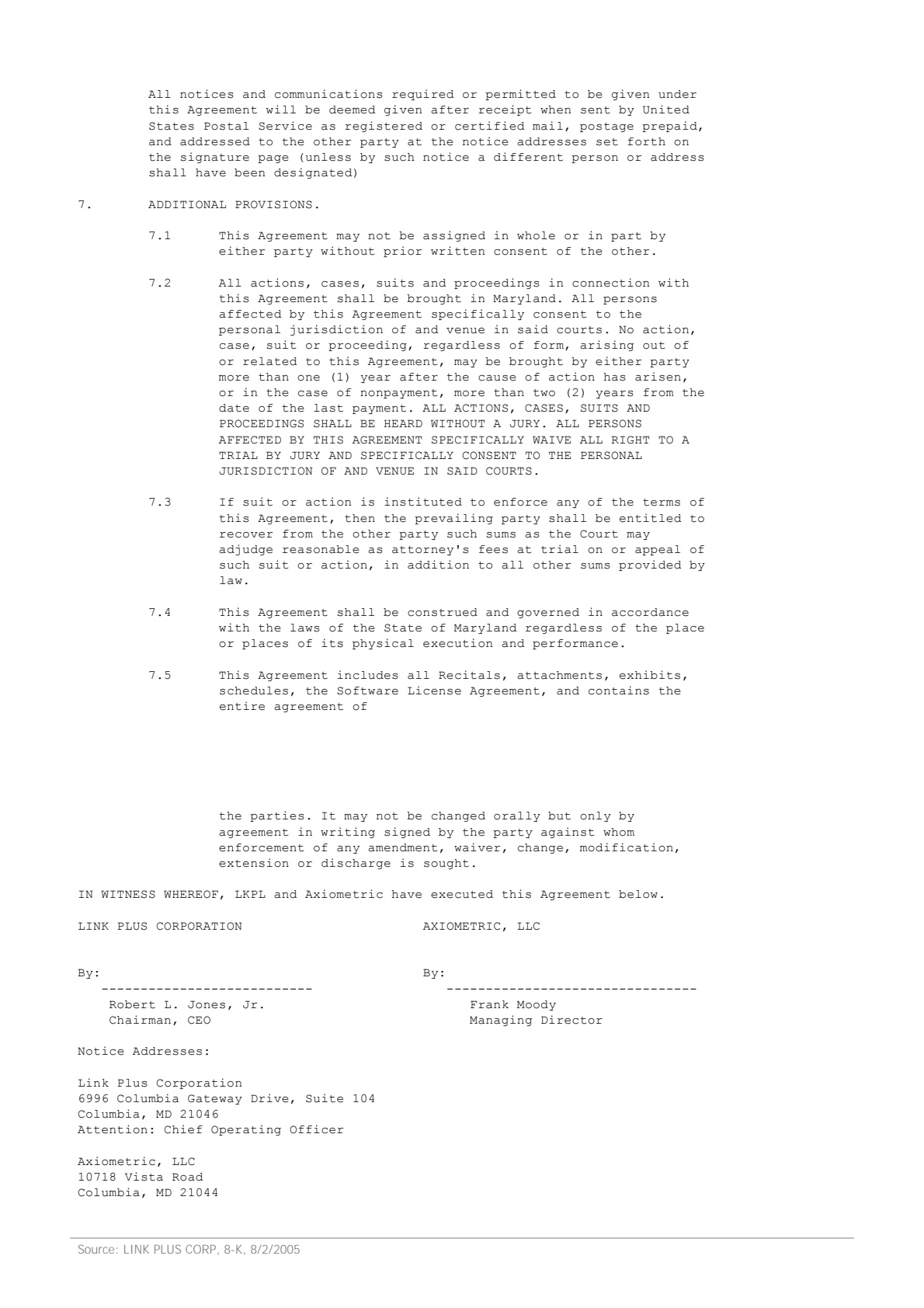
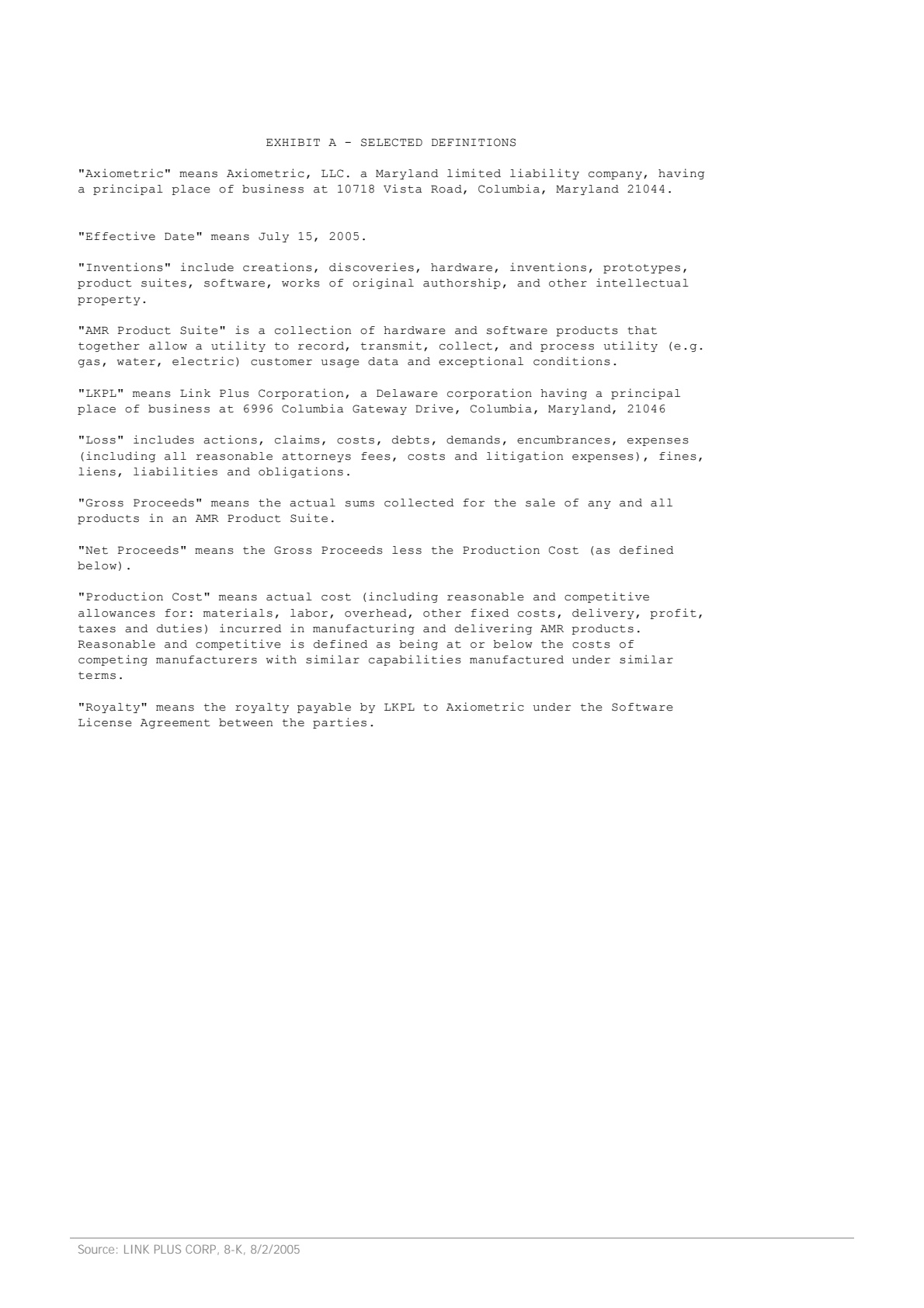
Click a field on the right and we'll highlight where it came from on the left.
Extracted fields
Payment terms
Parties involved
Sample data. Real engine output.
Overview
What is contract data extraction?
Contract data extraction is the automated reading of legal agreements — affiliate deals, MSAs, NDAs, SaaS subscription contracts, vendor SOWs — into structured fields a contract management system, procurement tool, or M&A diligence dataroom can index. The legal information you need is rarely in a labeled box: it's buried in paragraphs that begin with 'This Agreement is made and entered into on' or 'The Parties hereto agree as follows.' Manual abstraction is slow and expensive; rule-based parsers break on every new template.
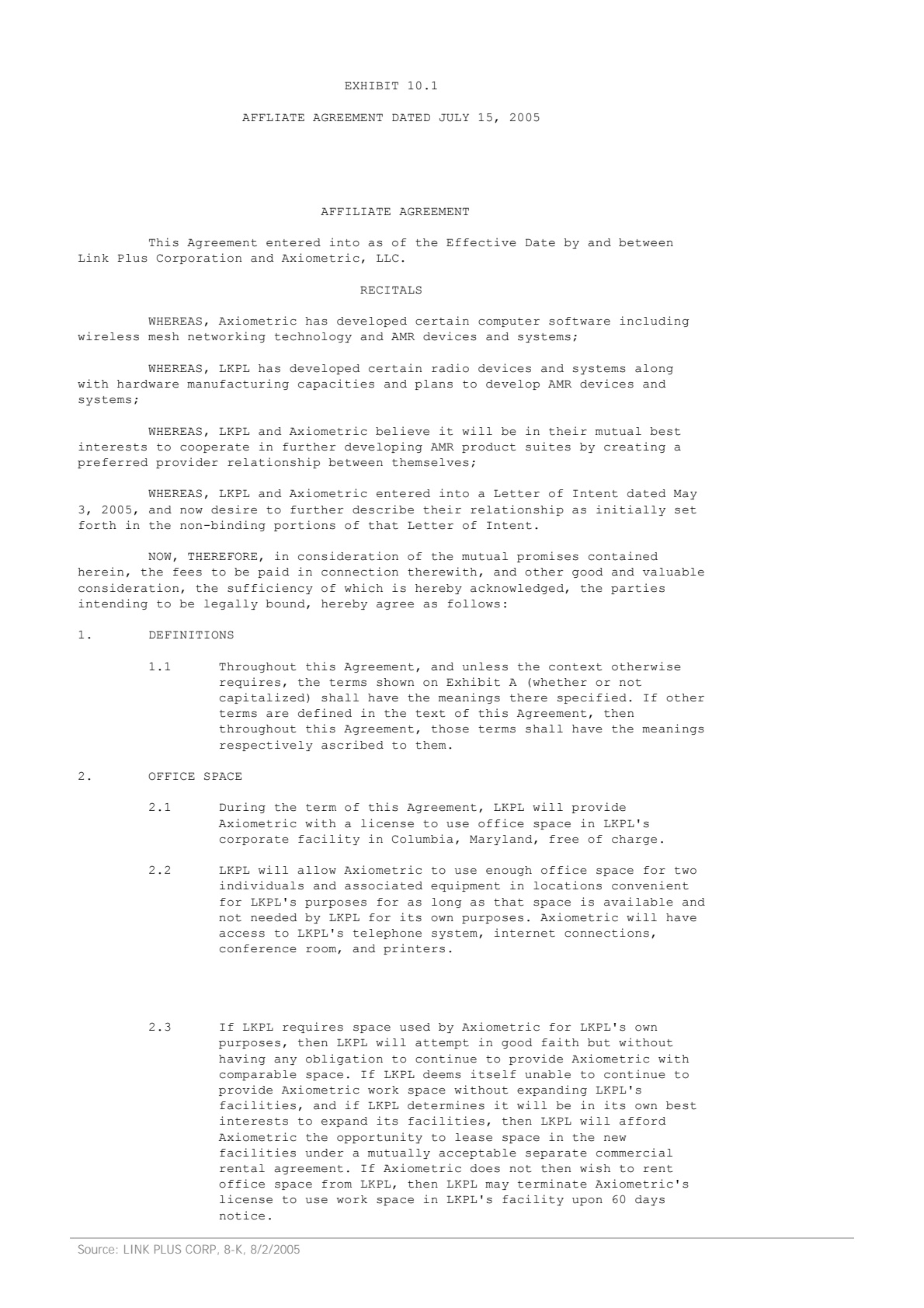
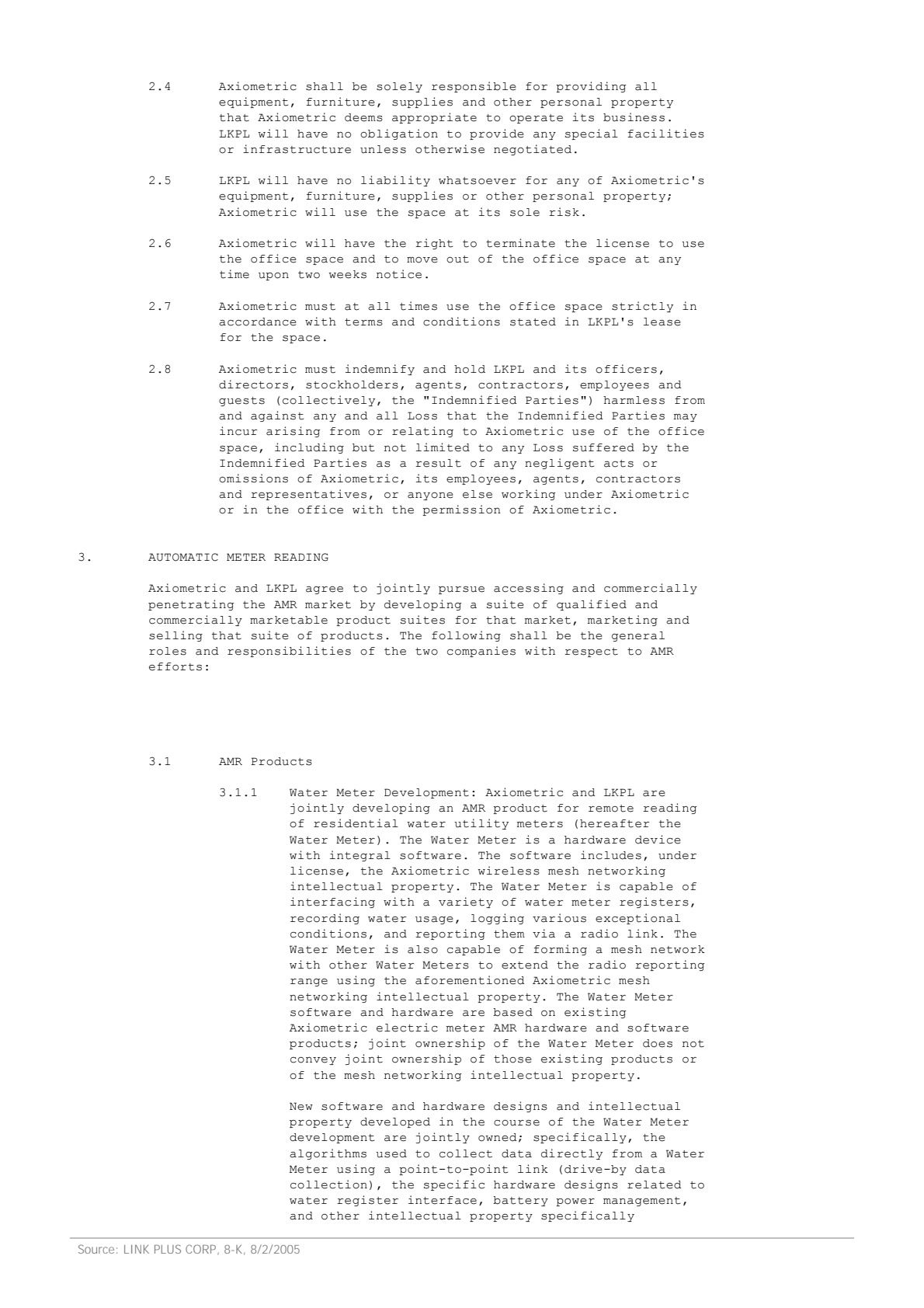
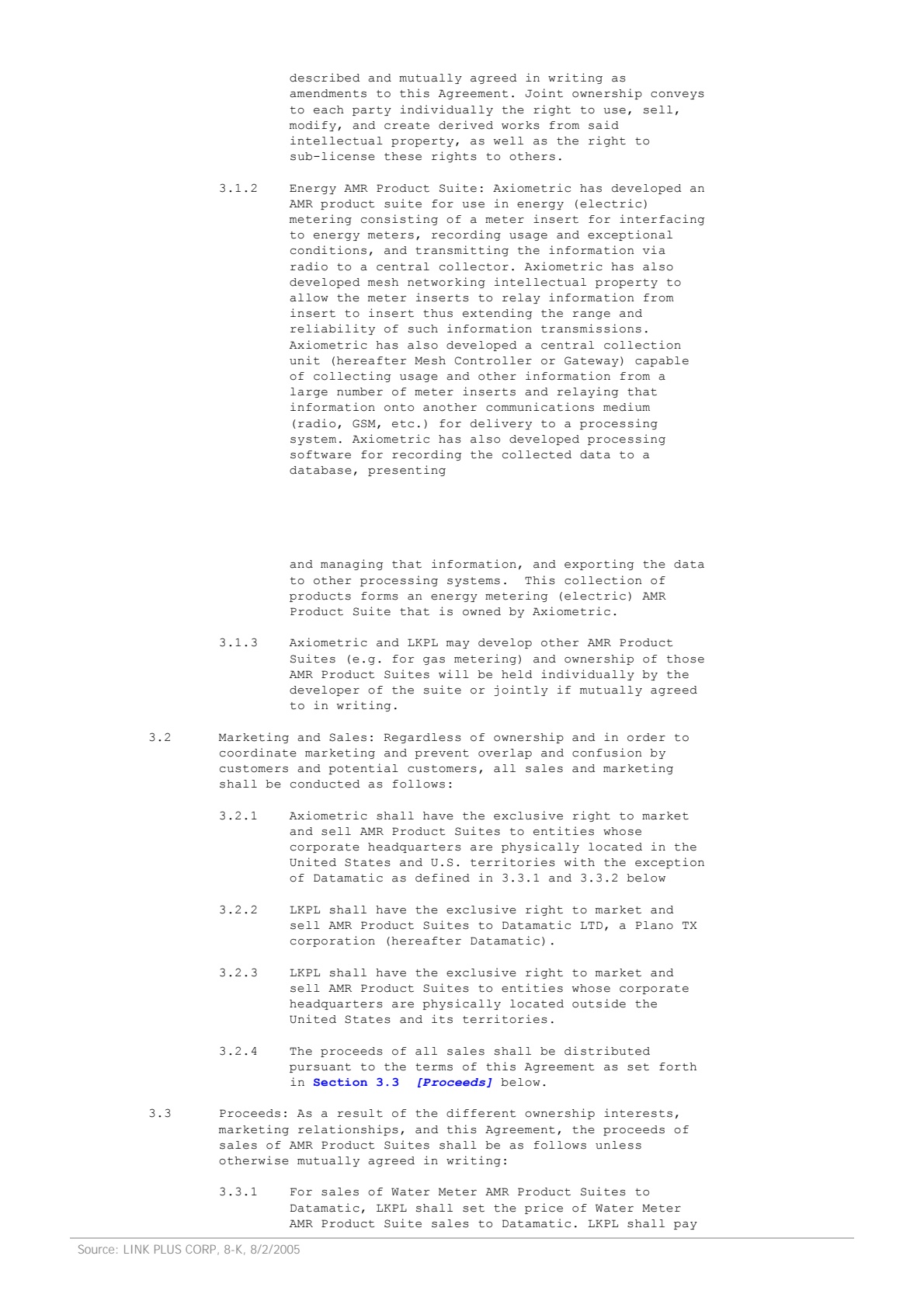
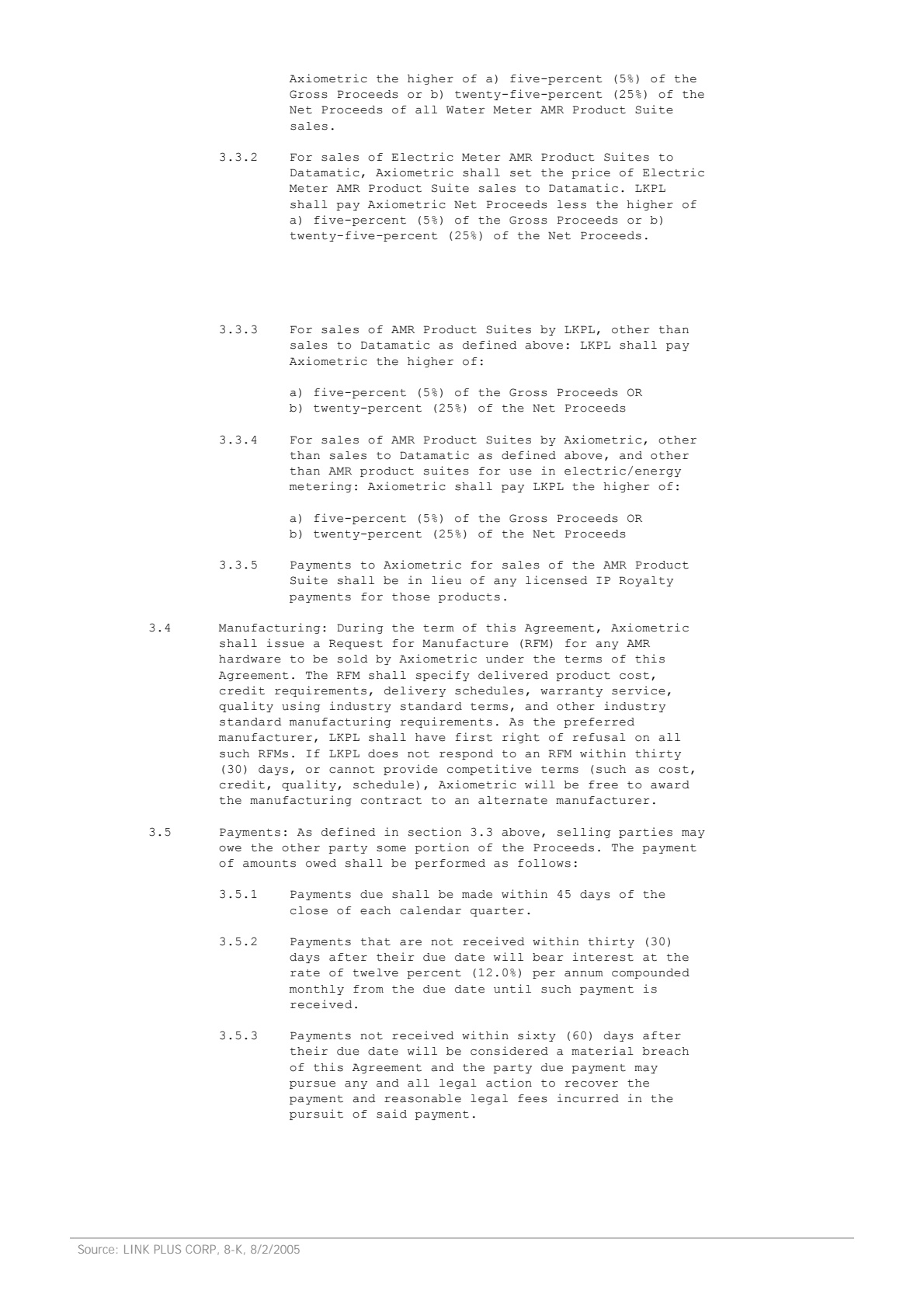
On the sample contract above — a 7-page Affiliate Agreement — Ztract returns the agreement title, effective date, and governing law at the top level, plus two nested groups: parties involved with each party's full name and registered address, and payment terms including the payment due period and the late-payment interest rate. Each value is anchored to its exact page and bbox in the original PDF — when the effective date appears on the signature page and the payment terms are referenced on page 4, both come back correctly attributed.
The schema isn't pinned to one contract template. Affiliate agreements, MSAs, SOWs, NDAs, and SaaS subscription contracts all read the same shape — title, parties, dates, commercial terms, governing law — even when the underlying prose is structured completely differently. Defined terms like 'the Effective Date shall mean...' are resolved to their actual values across the document, and amendments or exhibits attach to the right base contract.
Hard parts
Where this gets tricky.
The reasons this doc type is harder than it looks — and how we handle them.
-
Legal language, not labeled fields
Contracts don't have 'Effective Date:' boxes. The date is buried in a paragraph that starts with 'This Agreement is made and entered into on'. The engine reads the prose, not the layout.
-
Defined terms resolved across pages
'The Effective Date shall mean the date set forth on the signature page' — and the signature page is page 7. We resolve the defined term to its actual value, anchored to the page it appears on.
-
Nested party and payment structures
Parties involved and payment terms come back as nested objects — party 1 name + address, party 2 name + address, payment due period, late-payment interest — not flattened into ambiguous strings.
-
Multi-page agreements
A 7- to 80-page contract is normal. The engine keeps the schema consistent across pages and surfaces page-level confidence so reviewers know which sections to spot-check.
Who uses it
Workflows this lands in.
-
Legal ops
Feed signed contracts into a CLM with parties, dates, dollar amounts, and governing law already populated — no paralegal abstraction step.
-
Procurement
Track vendor renewal windows, termination notices, and payment terms across thousands of MSAs and SOWs in a single searchable dataset.
-
M&A diligence
Surface material contracts, change-of-control clauses, and assignment restrictions across a target's full contract corpus during a deal.
FAQ
Common questions.
What types of contracts does Ztract handle?
Can it extract data from contracts that run 50+ pages?
How are nested fields like party addresses returned?
Does the engine read scanned or photographed contracts?
Will Ztract draft or red-line contracts?
Related
Also useful for these documents.
Try it on your own document.
Start free with 30 pages. No credit card, no subscription, no setup.